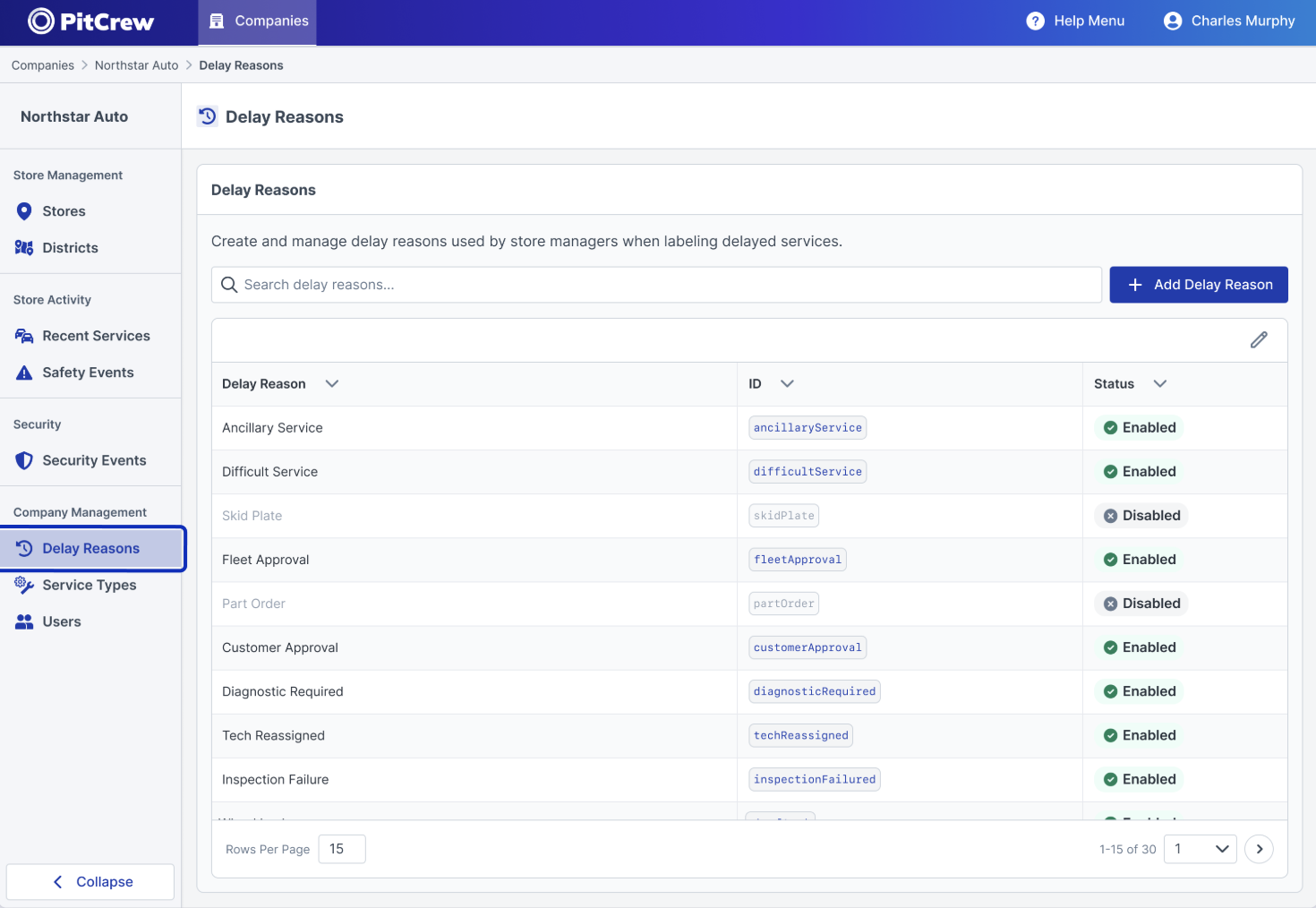
Company admins can now create and edit Delay Reasons and Service Types directly in PitCrew, with changes applying to all stores within a company. The new management tables let you add new entries with validation, update existing ones, and enable or disable values — no support request needed.
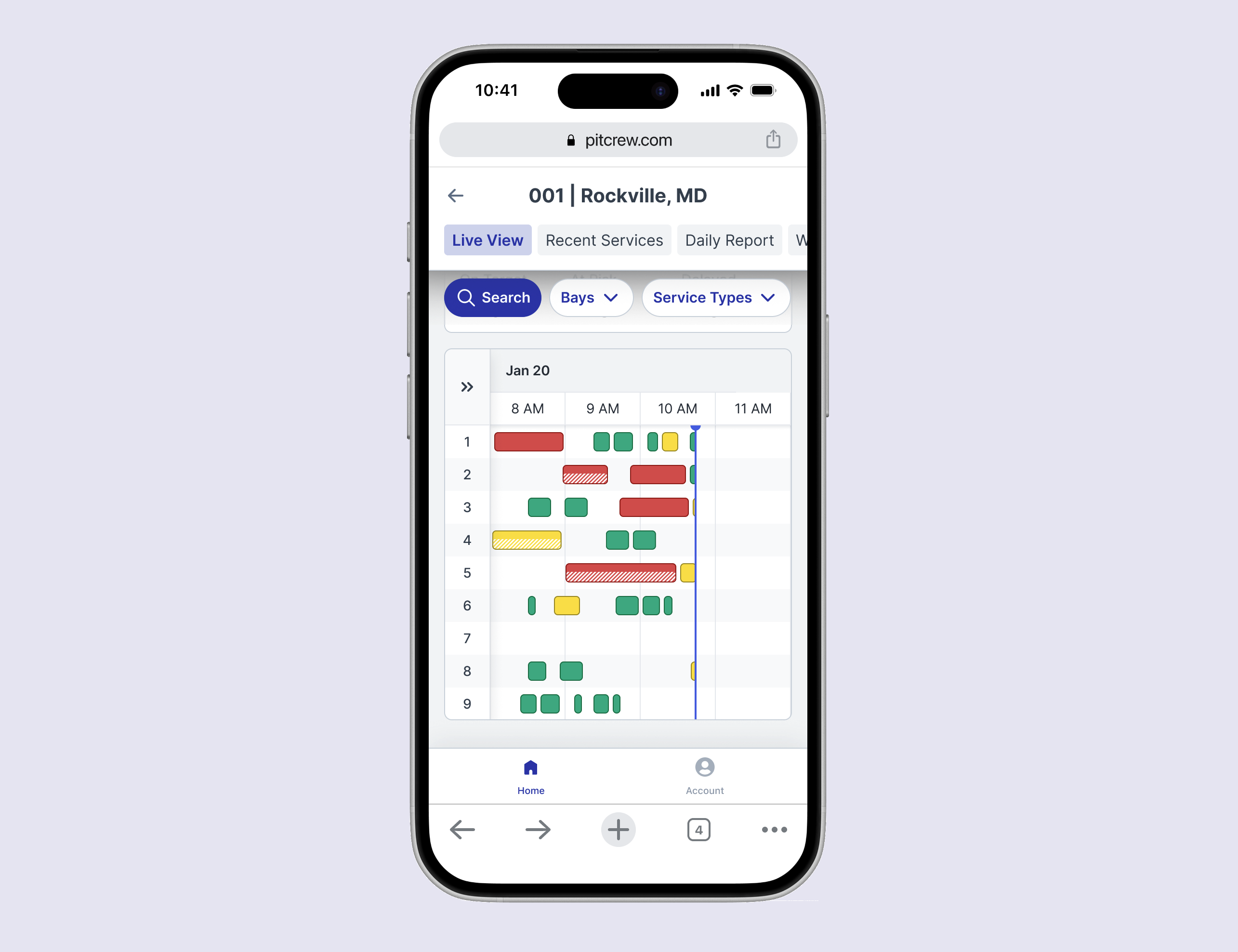
The PitCrew Live View on mobile has been redesigned to make it easier to track service activity on the go. Tap any bay card or Gantt entry to open a new service detail panel that slides up from the bottom. The Gantt chart is mobile-friendly with horizontal scrolling, a collapsible bay column, and pinch-to-zoom support. Quick filters by bay type let you narrow the view to only the bays you care about.

A new in-app PitCrew Chat is now available on every page in PitCrew. Get help from our support team without leaving the application — just click the chat icon in the corner of any screen. With PitCrew chat, you'll receive easy access to relevant help guides as well as a quick way to submit an issue or question to our team.

Settings are now adjustable from a new in-context panel. No need to navigate to another page to make a quick change! Look for the Settings icon on the Live View and Daily Report: